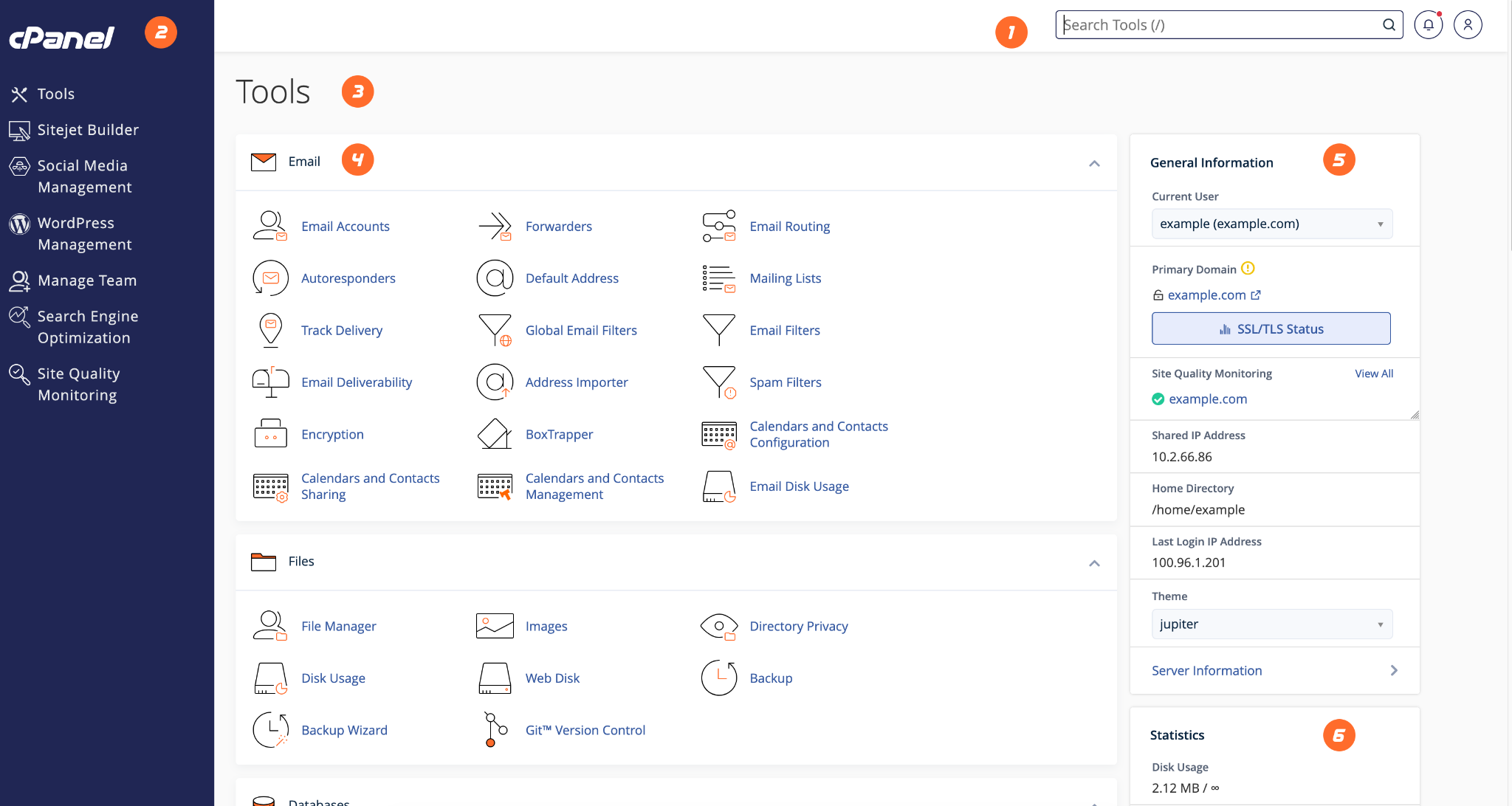
cPanel is the main control panel used to manage your shared hosting account.
- Login to the HostKeel client area.
- Open Services and select your active hosting service.
- Click the cPanel login or control panel shortcut.
- Once inside cPanel, use the search bar to quickly find tools such as Email Accounts, File Manager, Backup, Domains, or SSL/TLS.
HostKeel Tip: Do not share your cPanel login details with third parties unless you fully trust them.