SSL protects visitors by encrypting traffic between the browser and your website.
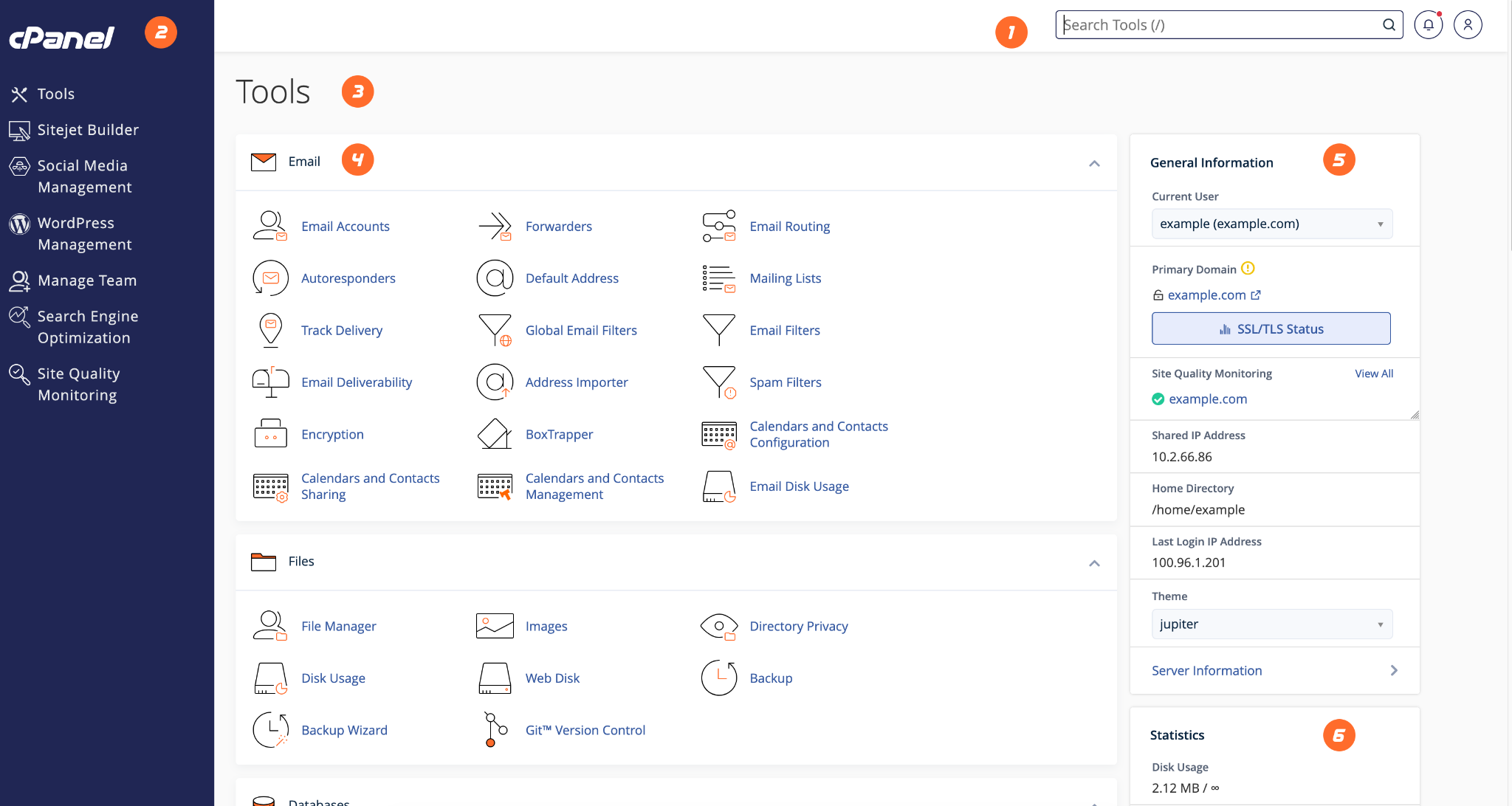
- Login to cPanel.
- Search for SSL/TLS Status or AutoSSL.
- Select your domain.
- Run AutoSSL if available.
- After SSL is active, force HTTPS using your CMS, .htaccess, or application settings.
- Check your website for mixed content warnings.
HostKeel Tip: SSL may take a few minutes to issue after DNS is correctly pointed to the server.