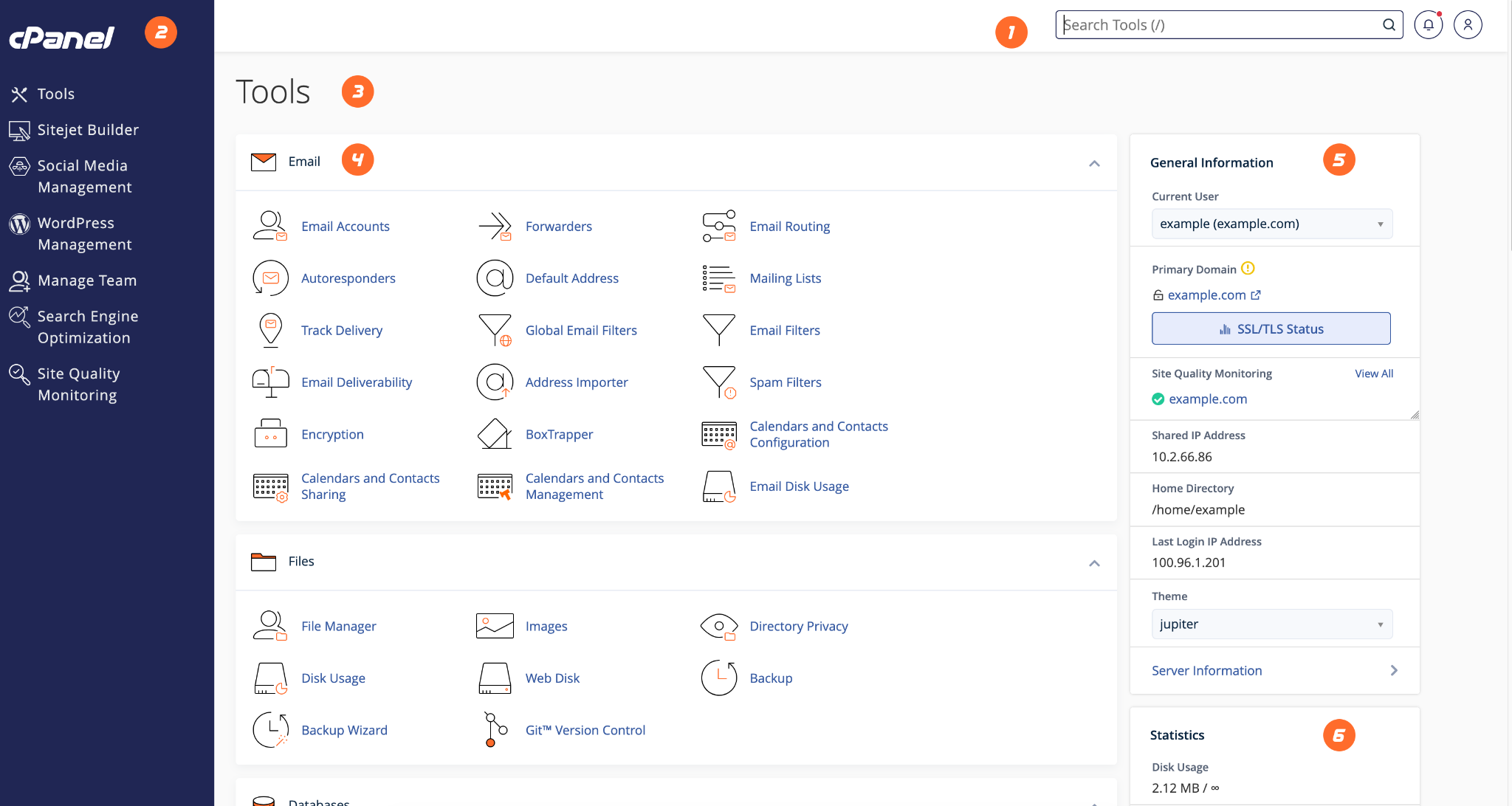
File Manager allows you to upload, edit, move, and delete website files from your browser.
- Login to cPanel.
- Search for File Manager.
- Open the public_html folder for your main website.
- Upload your website files or edit existing files carefully.
- Check your website in a browser after making changes.
HostKeel Tip: Take a backup before editing important files such as .htaccess, wp-config.php, or index files.