Backups help you recover your website if files are deleted, broken, or infected.
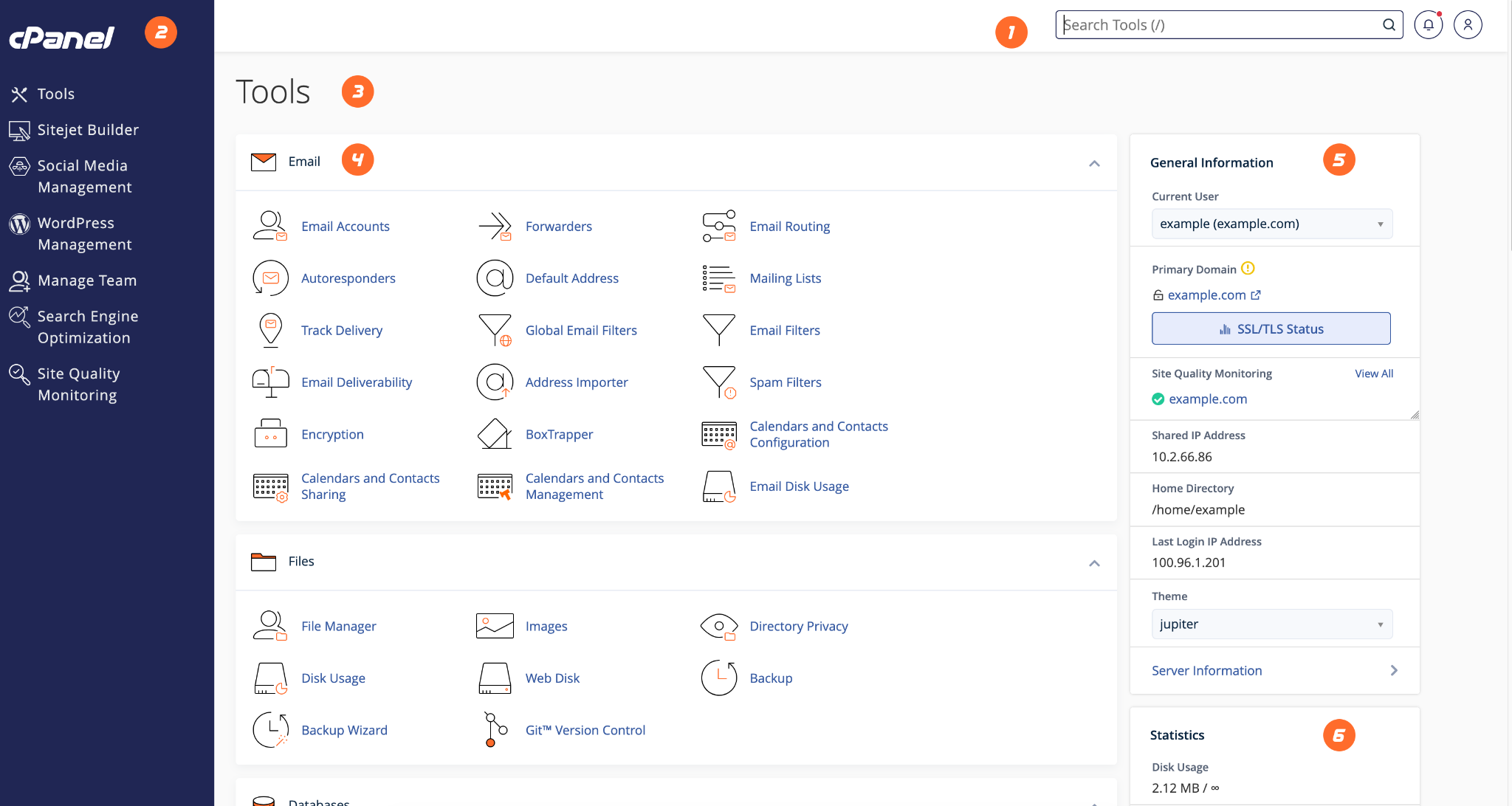
- Login to cPanel.
- Search for Backup or Backup Wizard.
- Download a full or partial backup depending on your need.
- Store your backup safely outside the hosting account.
- Contact HostKeel support if you need assistance with restoration.
HostKeel Tip: Always keep your own recent backup before major website updates.