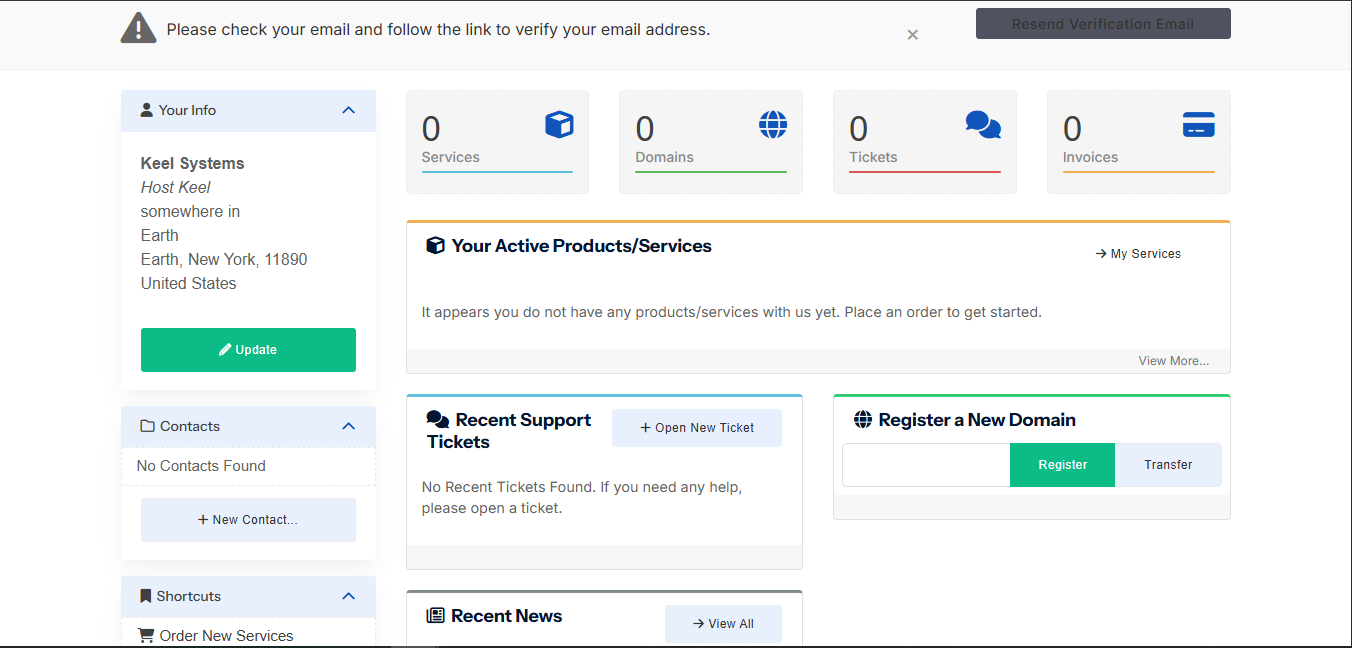
The HostKeel client area is where you manage your hosting services, domains, invoices, tickets, and account details.
- Use the top menu to access Home, Domains, Hosting, Email & Security, Support, and Billing.
- Check the dashboard cards for active services, domains, tickets, and invoices.
- Use shortcuts to register domains, open tickets, or view services.
- Update your profile information from the account section when your details change.
HostKeel Tip: For security, always sign out when using a shared or public computer.