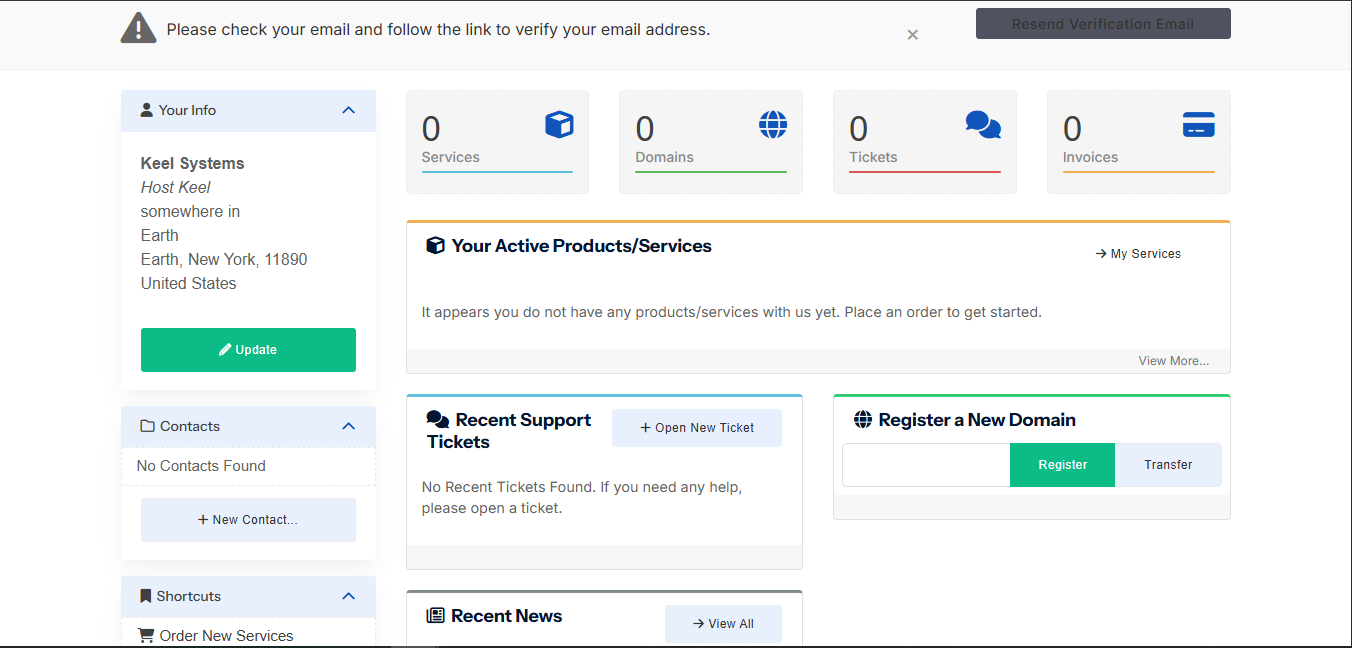
Welcome to HostKeel. This guide explains the main areas of your account and how to get support when needed.
- Login to the HostKeel client area using your registered email address.
- Use the dashboard to view services, domains, tickets, and invoices.
- Open your active service to access hosting details and related shortcuts.
- Use the support ticket system for technical, billing, VPS, abuse, or server management requests.
HostKeel Tip: Keep your account email verified so you do not miss service notices, invoice reminders, or security alerts.