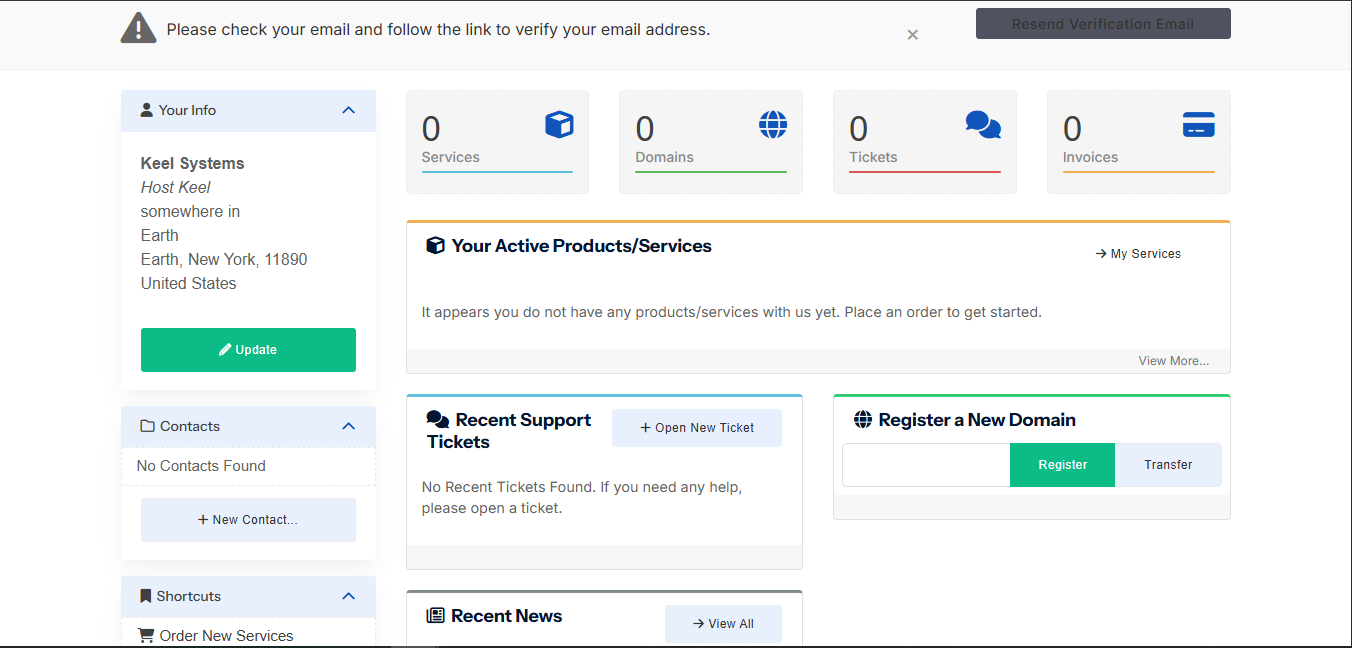
Keeping your account information accurate helps prevent billing, verification, and support delays.
- Login to the HostKeel client area.
- Open your account or profile section.
- Update your name, address, phone number, and email details as required.
- Save the changes.
- Verify your email address if prompted.
HostKeel Tip: Use a mailbox you check regularly because important notices are sent by email.