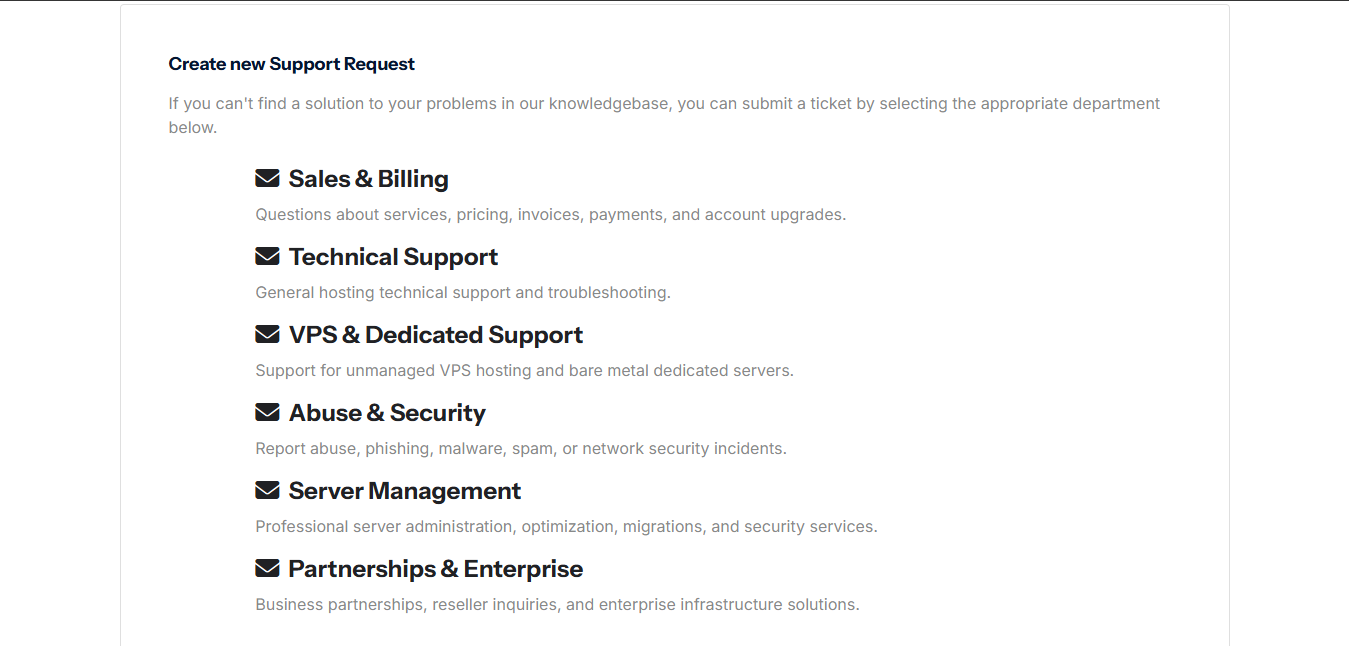
Support tickets help HostKeel route your request to the correct team and keep a clear record of the issue.
- Login to the HostKeel client area.
- Go to Support and select Open Ticket.
- Choose the correct department such as Sales & Billing, Technical Support, VPS & Dedicated Support, Abuse & Security, Server Management, or Partnerships & Enterprise.
- Write a clear subject and include the domain, service, error message, and screenshots if available.
- Submit the ticket and wait for a reply from the relevant department.
HostKeel Tip: Choosing the correct department helps us respond faster.