Before updating WordPress, plugins, or themes, create a backup so you can recover if something breaks.
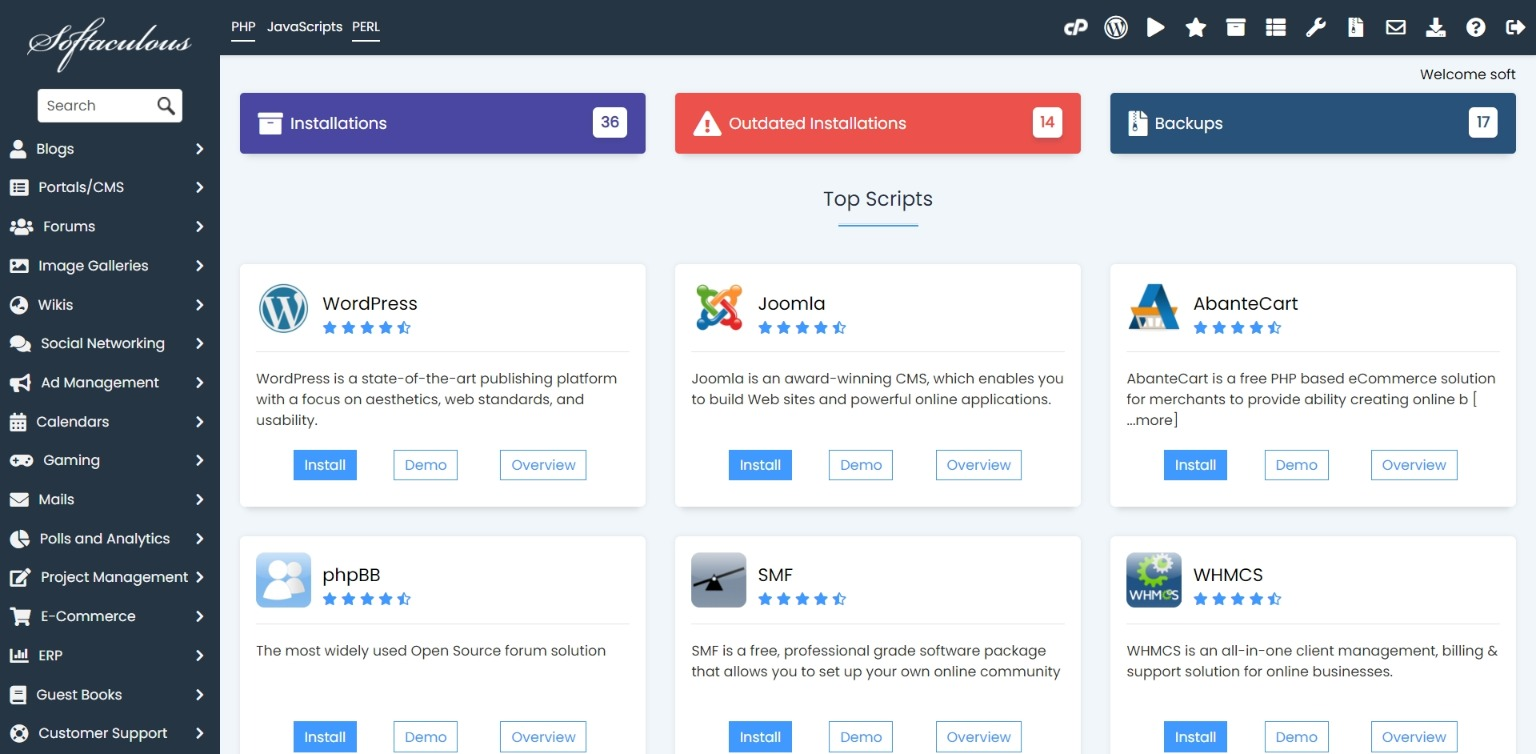
- Login to cPanel and open Softaculous.
- Go to Installations.
- Select the WordPress installation.
- Choose Backup.
- Include both files and database.
- Download or keep the backup according to your available storage.
HostKeel Tip: For business websites, keep an offsite backup as well.