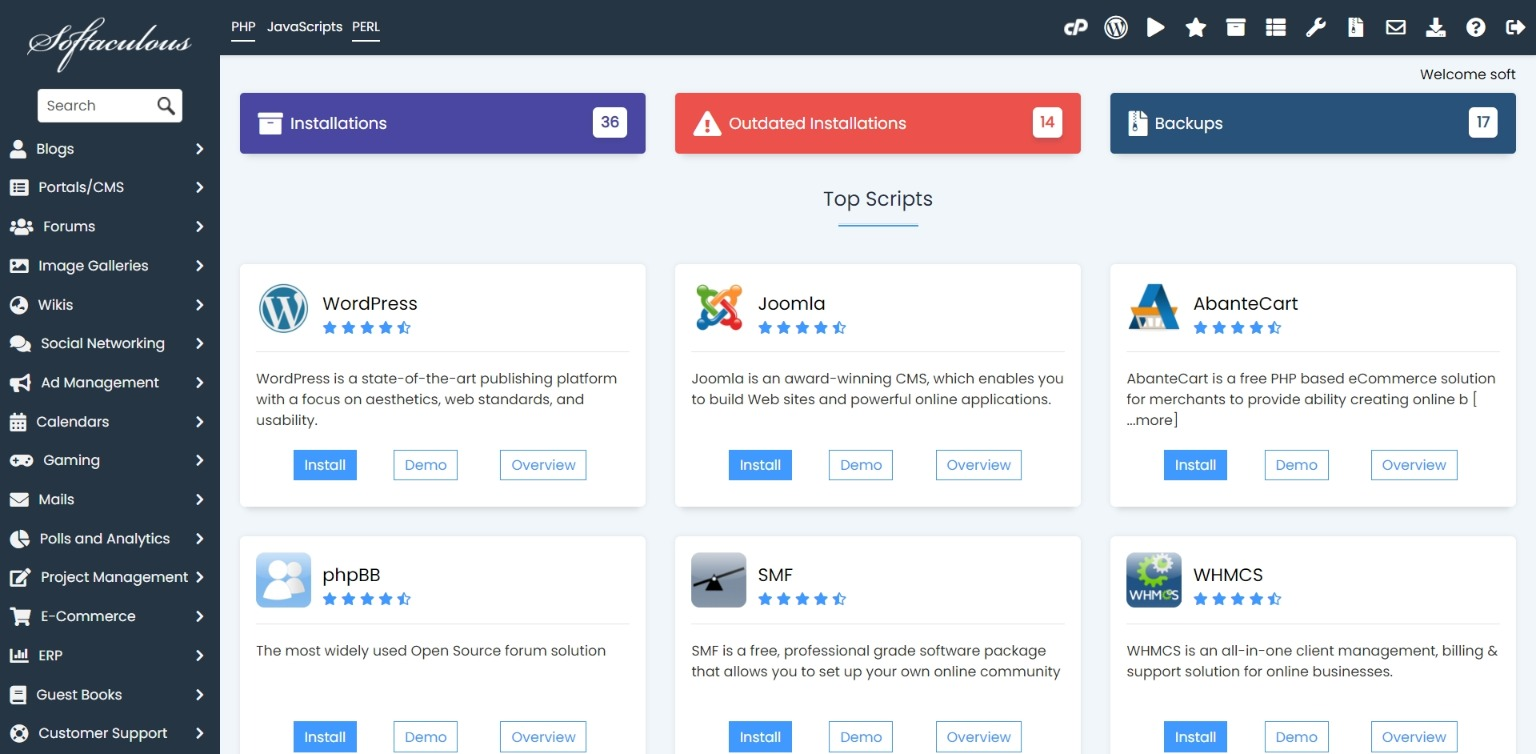
Softaculous can help you view and manage existing WordPress installations.
- Open Softaculous from cPanel.
- Click Installations.
- Find the WordPress website you want to manage.
- Use available options for backup, clone, staging, edit details, or remove installation.
- Check outdated installations and update them regularly.
HostKeel Tip: Outdated WordPress core, themes, or plugins are a common security risk.