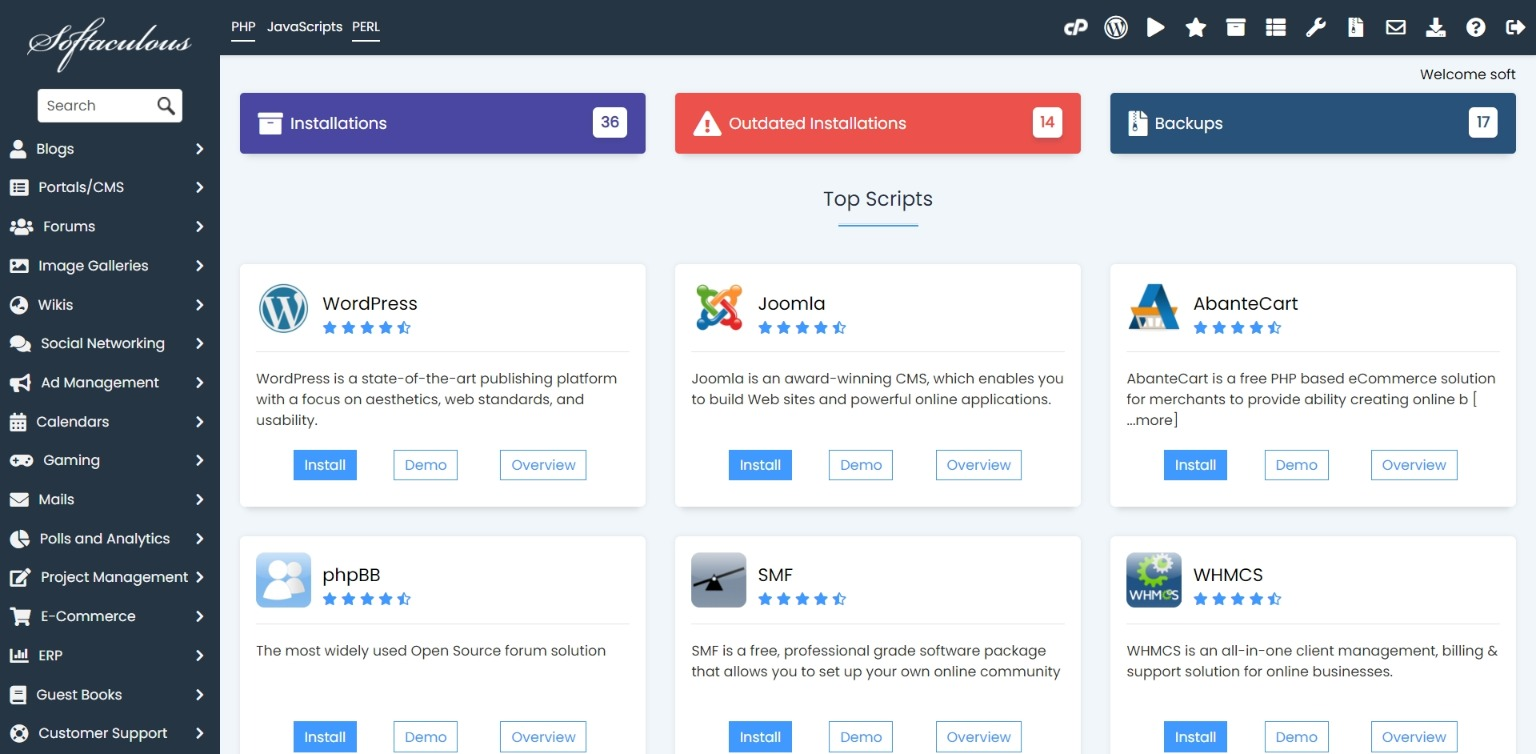
Softaculous lets you install WordPress quickly without manually creating files or databases.
- Login to cPanel.
- Open Softaculous Apps Installer.
- Select WordPress from the top scripts area.
- Click Install.
- Choose the domain, directory, admin username, password, and site title.
- Complete the installation and save the admin login URL.
HostKeel Tip: Avoid using admin as the username and always use a strong password.