Nameservers control where your domain DNS is managed.
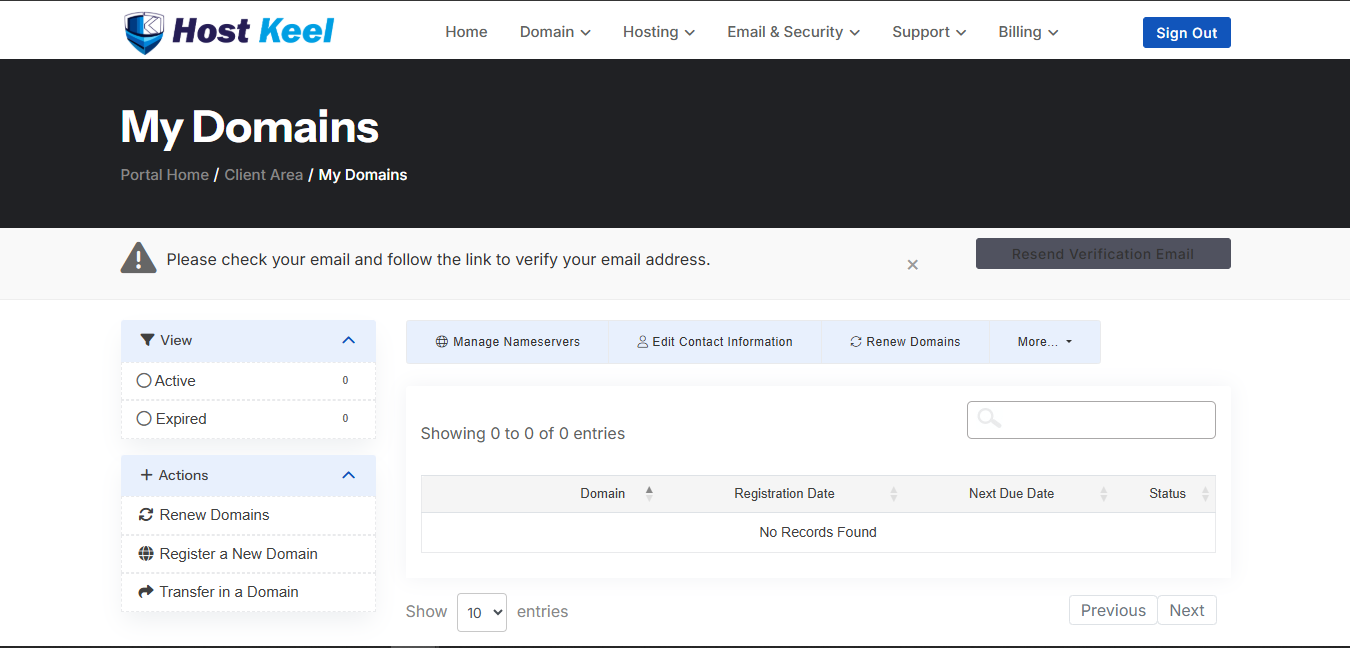
- Login to the HostKeel client area.
- Go to Domains and open My Domains.
- Select the domain.
- Click Manage Nameservers.
- Enter the new nameservers provided by your hosting provider.
- Save changes and wait for propagation.
HostKeel Tip: Incorrect nameservers can make your website and email stop working.