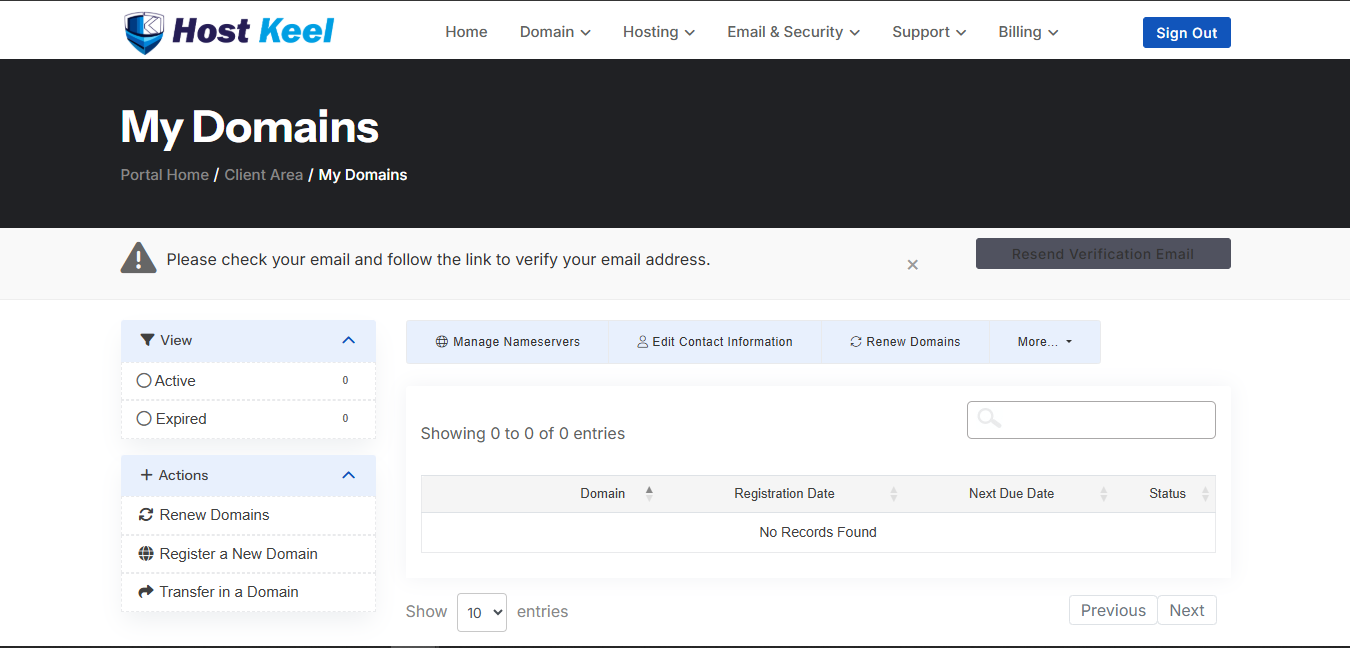
The domain manager lets you view, renew, transfer, and update domain settings.
- Login to the HostKeel client area.
- Go to Domains and select My Domains.
- Use the action buttons to manage nameservers, renew domains, edit contact information, or access more options.
- Select the domain you want to manage and apply the required changes.
HostKeel Tip: DNS and nameserver changes can take time to propagate worldwide.