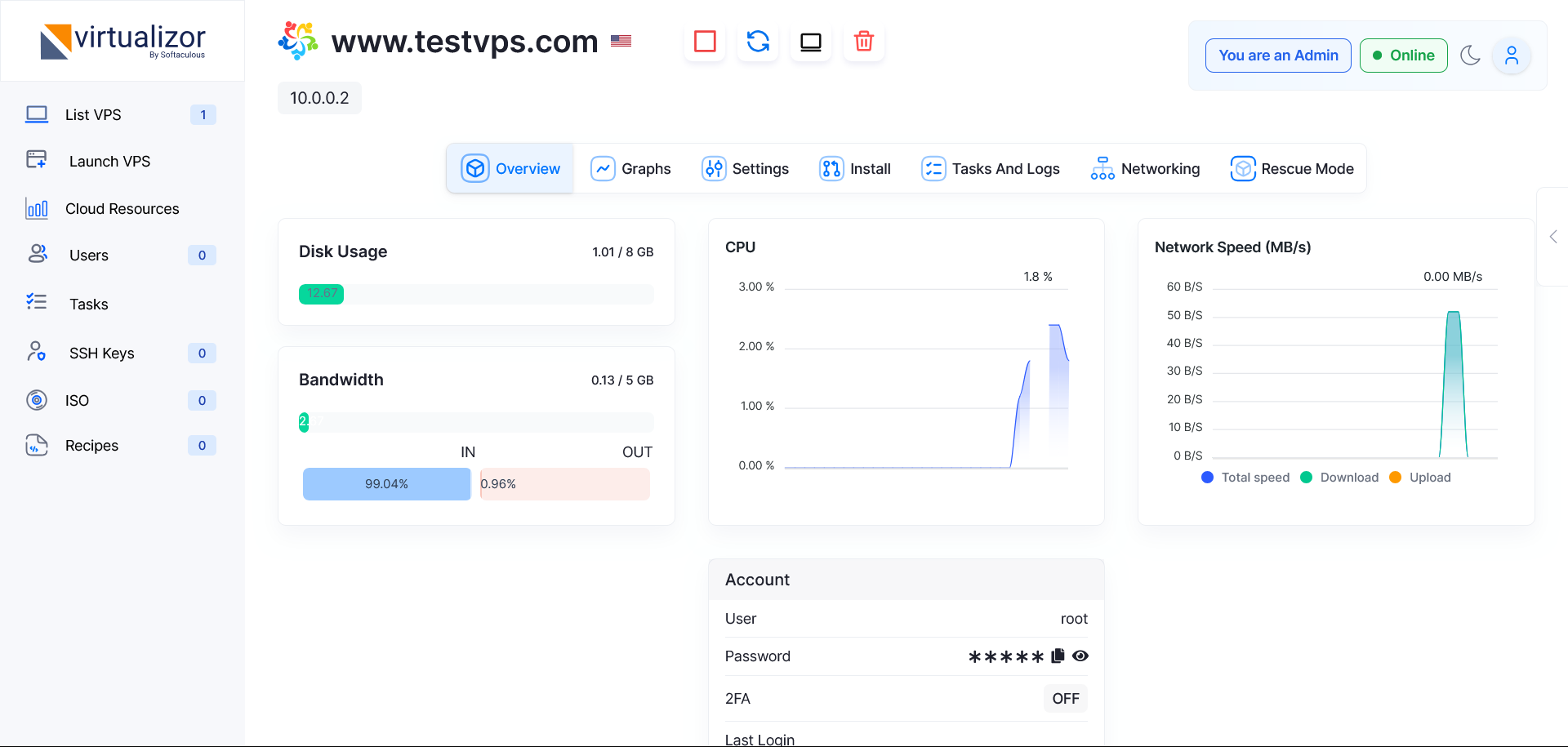
A reboot restarts your VPS operating system and can help after updates or service changes.
- Login to Virtualizor.
- Open the VPS overview page.
- Click the reboot or restart icon.
- Wait for the VPS to restart.
- Check that your website, SSH, or services are online again.
HostKeel Tip: Use reboot carefully on production servers because it can temporarily interrupt websites and services.