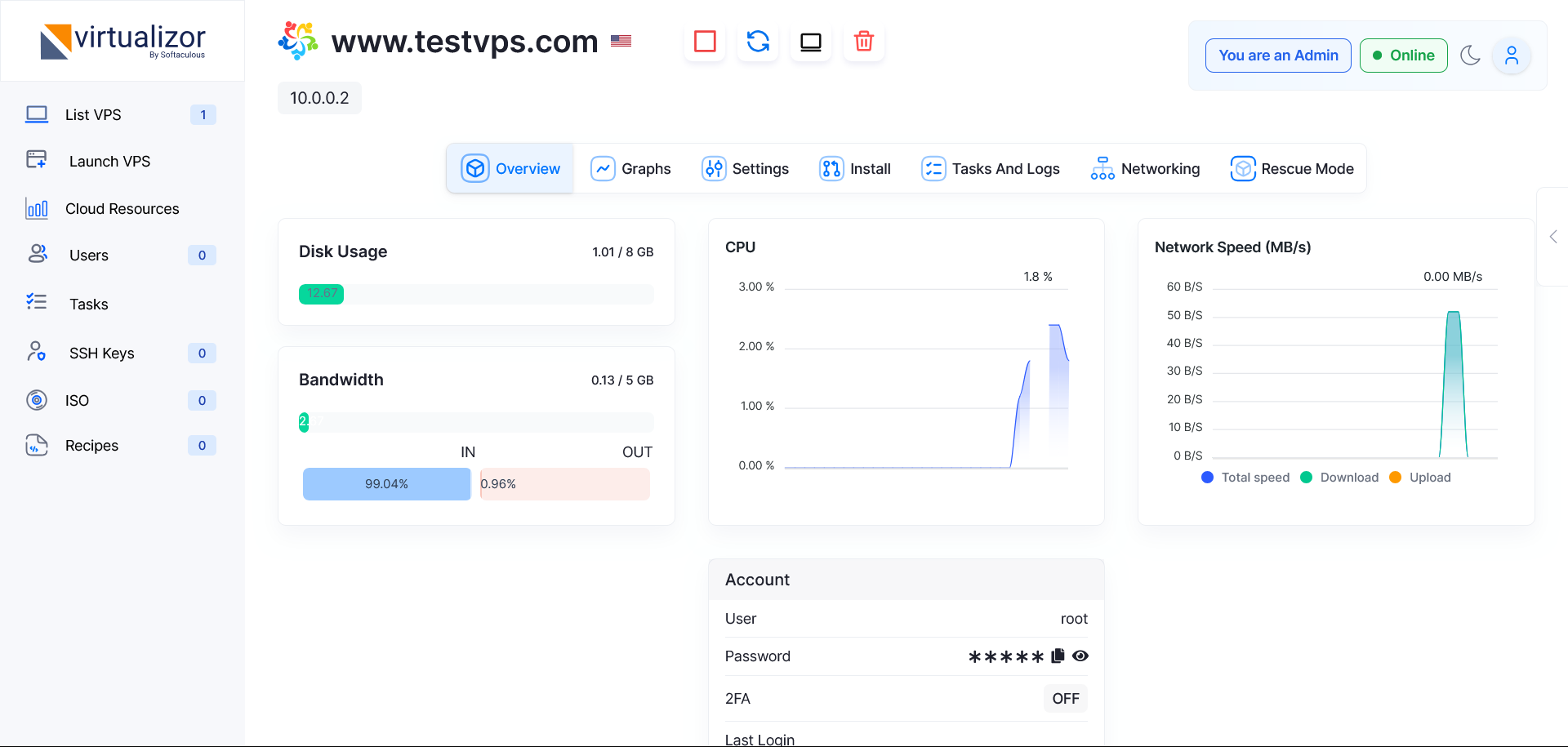
Monitoring helps identify performance problems before they become serious.
- Open Virtualizor.
- Go to the VPS overview or graphs section.
- Check CPU usage, bandwidth, disk usage, and network speed.
- Look for unusual spikes or constant high usage.
- Optimize your applications or upgrade resources if needed.
HostKeel Tip: Constant high CPU or full disk usage can make services slow or unavailable.