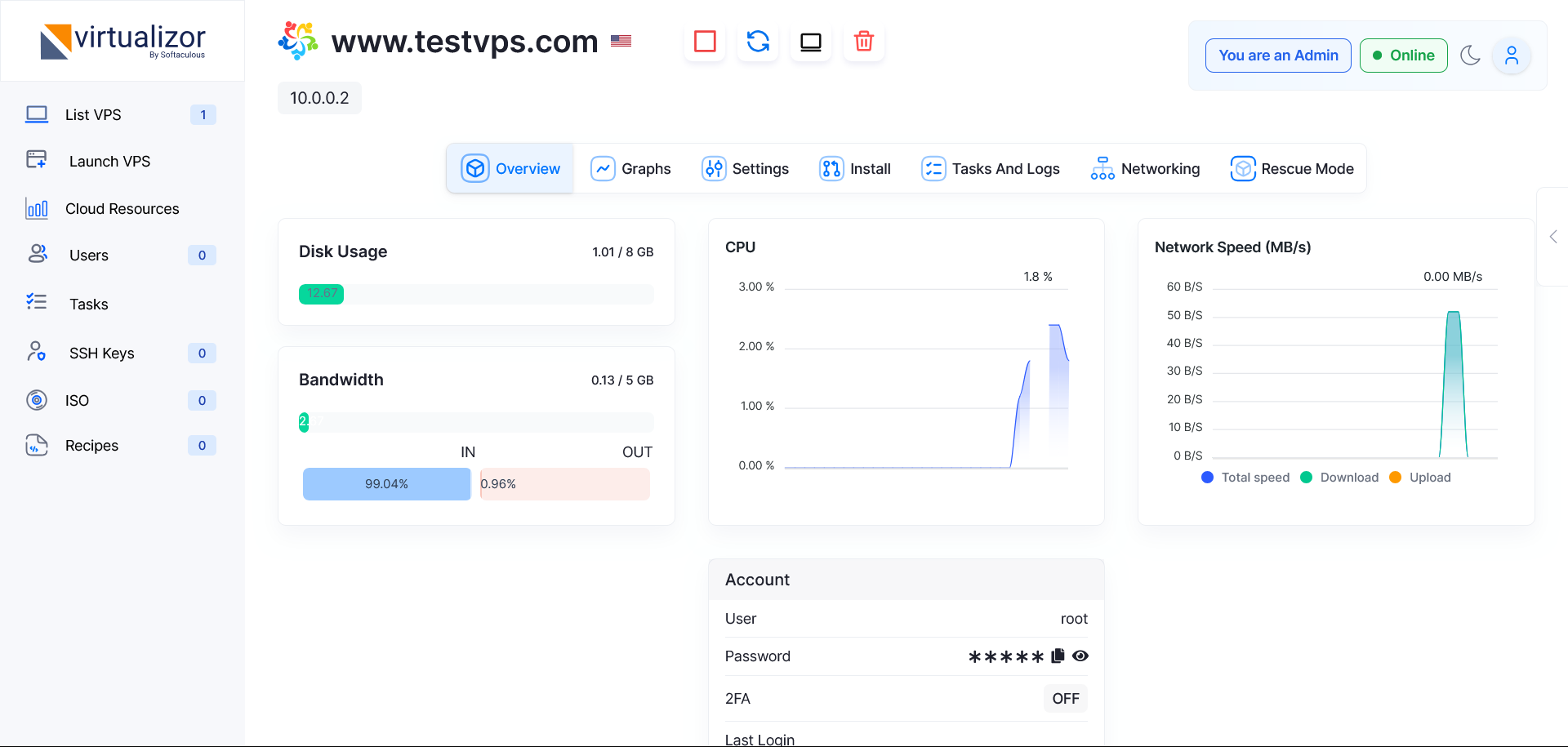
Virtualizor is the control panel used to manage your HostKeel VPS.
- Login to the HostKeel client area.
- Open your VPS service.
- Use the Virtualizor login or control panel link.
- From the overview screen, check VPS status, resources, CPU usage, disk usage, bandwidth, and network speed.
HostKeel Tip: Your VPS is more powerful than shared hosting but also requires stronger security practices.