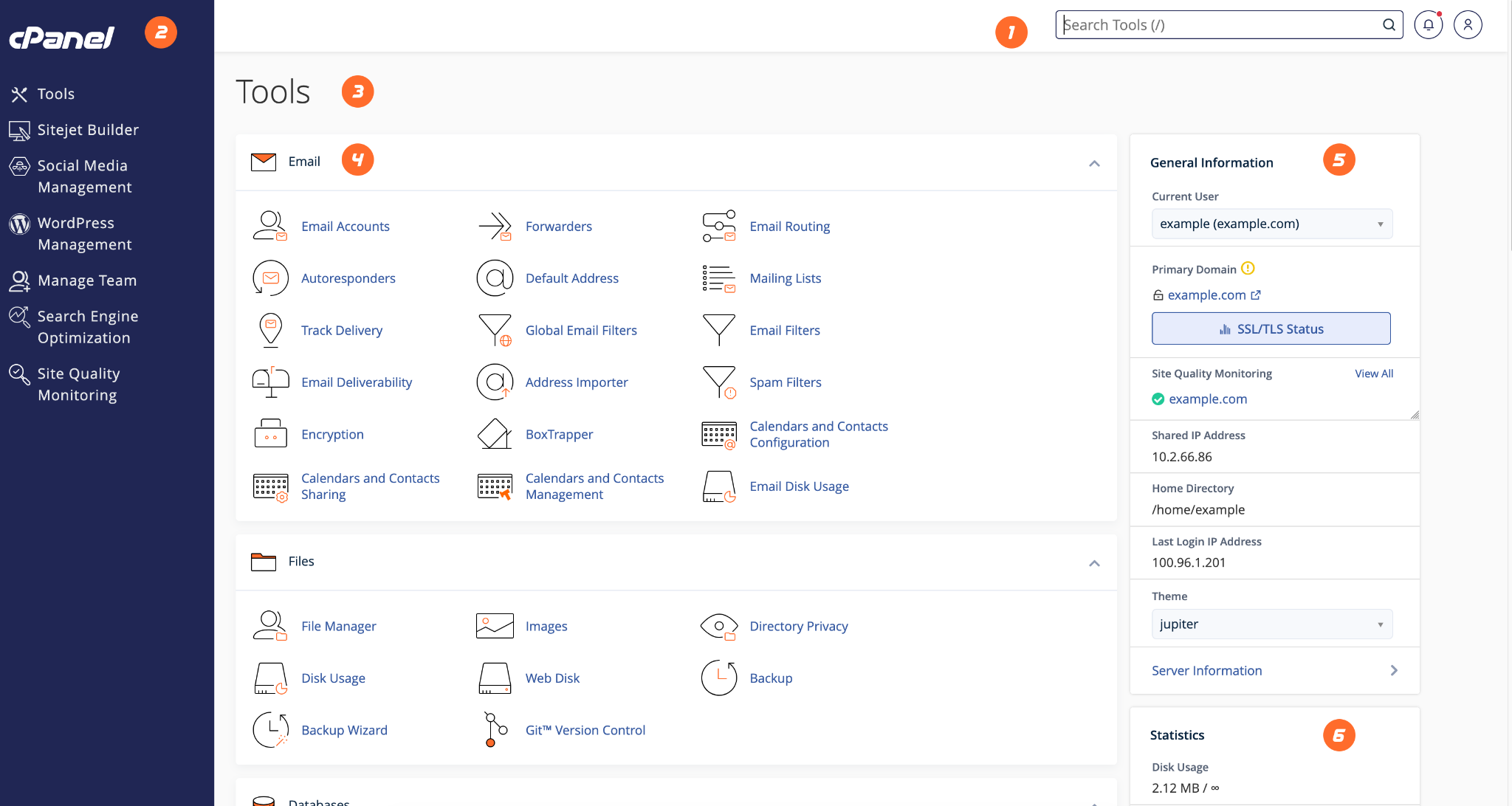
You can create domain-based email addresses such as [email protected] from cPanel.
- Login to cPanel.
- Search for Email Accounts.
- Click Create.
- Choose the domain.
- Enter the mailbox name and password.
- Set mailbox storage limits if needed.
- Create the account and test login via webmail.
HostKeel Tip: Use a strong password and avoid sharing mailbox credentials.