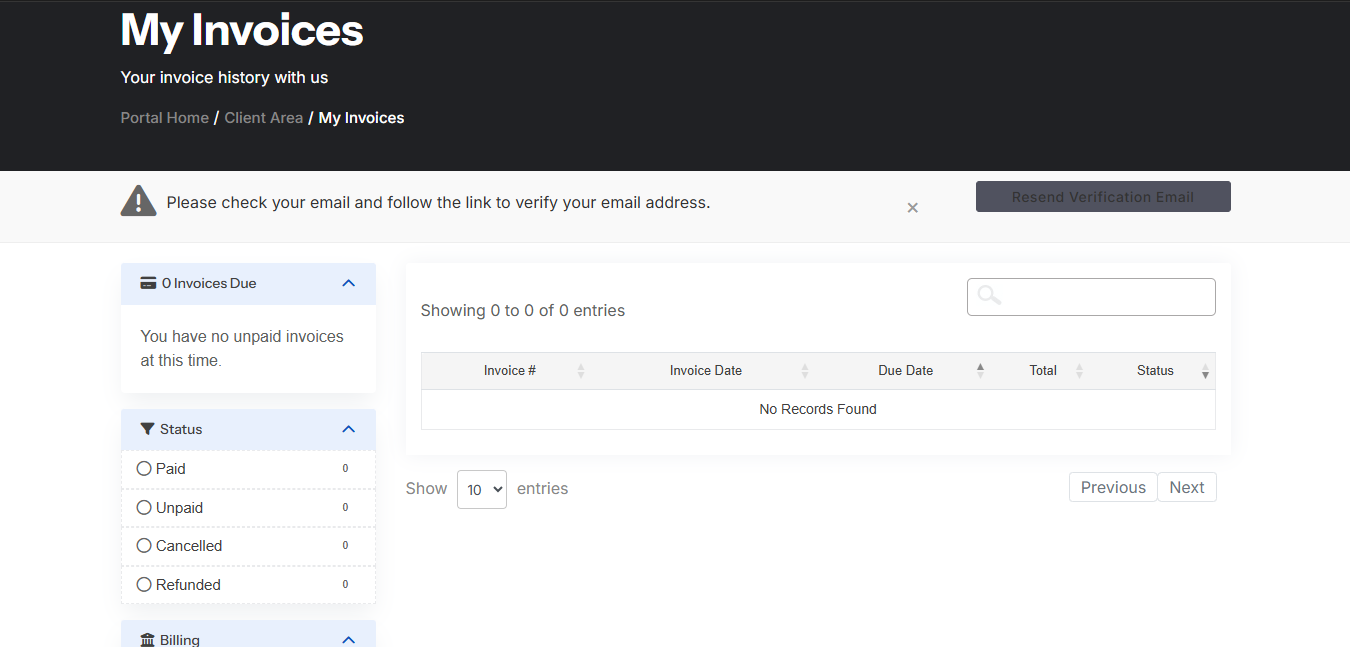
Invoices can be viewed and managed from the HostKeel billing area.
- Login to the HostKeel client area.
- Go to Billing and select My Invoices.
- Open the invoice you want to pay.
- Choose the available payment method.
- Complete payment and wait for the invoice status to update.
HostKeel Tip: Pay invoices before the due date to avoid service interruption.